

The term legally blind is often misunderstood. Many people assume it means complete blindness, while others believe it refers only to a specific eyeglass prescription. In reality, legal blindness describes a range of severe visual impairments that significantly affect how people see, interact with their environment, and use digital products.
Understanding what a legally blind prescription means is important not only from a medical or legal perspective but also from an accessibility standpoint. Millions of people with legal blindness or low vision rely on websites, apps, and digital tools every day. When digital experiences are not designed with these users in mind, barriers appear quickly; small text, low contrast, cluttered layouts, and inaccessible navigation can make even simple tasks difficult or impossible.
This guide explains what a legally blind prescription is, how legal blindness affects vision, and, most importantly, how it impacts digital accessibility and website usability. It is written for a general audience, designers, developers, business owners, and anyone interested in building more inclusive digital experiences.
What Does “Legally Blind” Mean?
Legal blindness is a defined visual impairment recognized by medical professionals and legal systems. It does not mean total loss of sight. Many people who are legally blind can still see shapes, colors, movement, or light, but their vision is limited enough to affect daily activities.
The Legal Definition of Blindness
In most regions, including the United States, a person is considered legally blind if one of the following applies in their better eye, even with correction (glasses or contact lenses):
- Visual acuity of 20/200 or worse
- A visual field of 20 degrees or less (often referred to as tunnel vision)
A person with 20/200 vision must be 20 feet away to see what someone with typical vision can see clearly from 200 feet away.
Legal Blindness vs Total Blindness
Total blindness is the complete loss of vision, which is relatively rare. Legal blindness covers a much wider range of visual impairments and is far more common. Most legally blind individuals have some usable vision, but that vision is limited in ways that affect reading, navigation, and digital interaction.
What Is a Legally Blind Prescription?
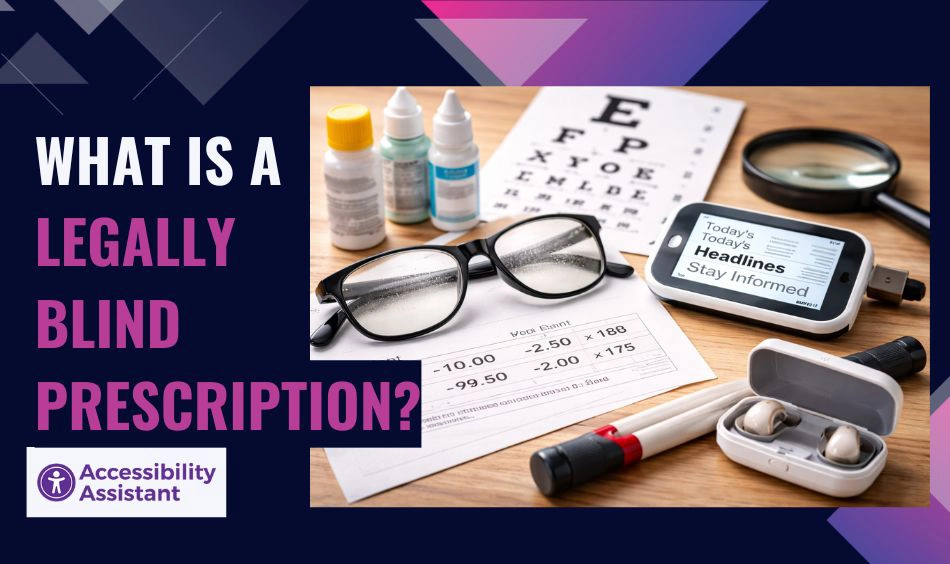
The phrase legally blind prescription is often used informally to describe eyeglass or contact lens prescriptions associated with severe vision loss. However, there is no single prescription number that automatically defines legal blindness.
Prescription Strength and Visual Acuity
Eye prescriptions are measured in diopters, which describe how lenses bend light. A very strong prescription may indicate severe nearsightedness or farsightedness, but prescription strength alone does not determine legal blindness.
Legal blindness is based on best-corrected vision, meaning how well a person can see with corrective lenses, not without them. Someone may have a very strong prescription but still achieve vision better than 20/200 with correction. Conversely, another person may have a moderate prescription but still qualify as legally blind due to underlying eye conditions.
Can You Be Legally Blind With Glasses or Contacts?
Yes. If a person’s vision remains at or below the legal threshold even after correction, they are considered legally blind. Assistive tools such as magnifiers or screen readers help with daily tasks, but they do not change legal classification.
Legally Blind vs Low Vision
Legal blindness and low vision are related but distinct terms.
- Low vision refers to visual impairment that cannot be fully corrected but does not meet the legal threshold for blindness.
- Legal blindness represents the most severe category of low vision.
Both groups experience similar challenges when using digital interfaces, which is why accessibility design must support a wide spectrum of visual abilities rather than focusing on a single condition.
What Does Legally Blind Vision Look Like?
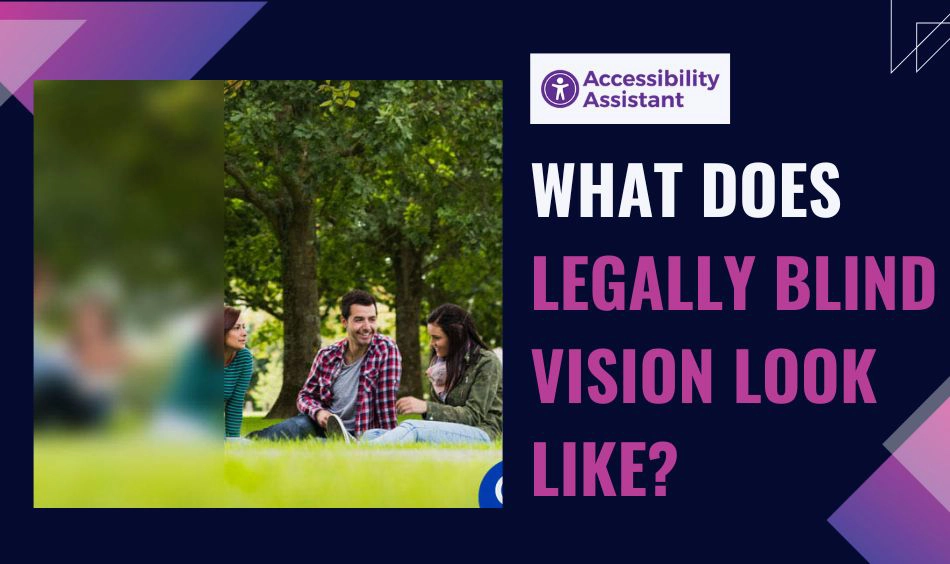
Legal blindness affects vision in different ways depending on the underlying condition. There is no single visual experience shared by all legally blind individuals.
Common Visual Challenges
People who are legally blind may experience:
- Blurred or distorted text
- Reduced sharpness and clarity
- Tunnel vision or limited peripheral vision
- Extreme sensitivity to light or glare
- Difficulty distinguishing colors
- Low contrast perception
These challenges vary from person to person and can change over time.
How These Challenges Affect Digital Use
On websites and apps, legally blind users may struggle with:
- Reading small or thin fonts
- Identifying buttons that blend into the background
- Understanding icons without labels
- Navigating complex menus
- Tracking focus when moving through content
- Interpreting images without text alternatives
Without accessibility support, digital experiences can quickly become overwhelming.
Accessibility Impact of Legal Blindness
Legal blindness has a direct impact on how people interact with digital products. Many common design patterns unintentionally exclude users with severe vision impairments.
Why Standard Websites Often Fail Legally Blind Users
Typical accessibility barriers include:
- Low colour contrast between text and background
- Fixed text sizes that cannot be resized
- Layouts that break when zoomed
- Hover-only interactions
- Poor keyboard navigation
- Icon-only buttons without text labels
These issues may seem minor to users with typical vision, but they can completely block access for someone with legal blindness.
Accessibility Needs for Legally Blind Users
Accessible digital experiences support legally blind users by providing:
- Strong contrast and clear visual hierarchy
- Text resizing and zoom without loss of content
- Screen reader compatibility
- Predictable navigation
- Visible focus indicators
- Clear labels and instructions
Designing for legal blindness often improves usability for everyone.
WCAG Requirements That Support Legally Blind Users
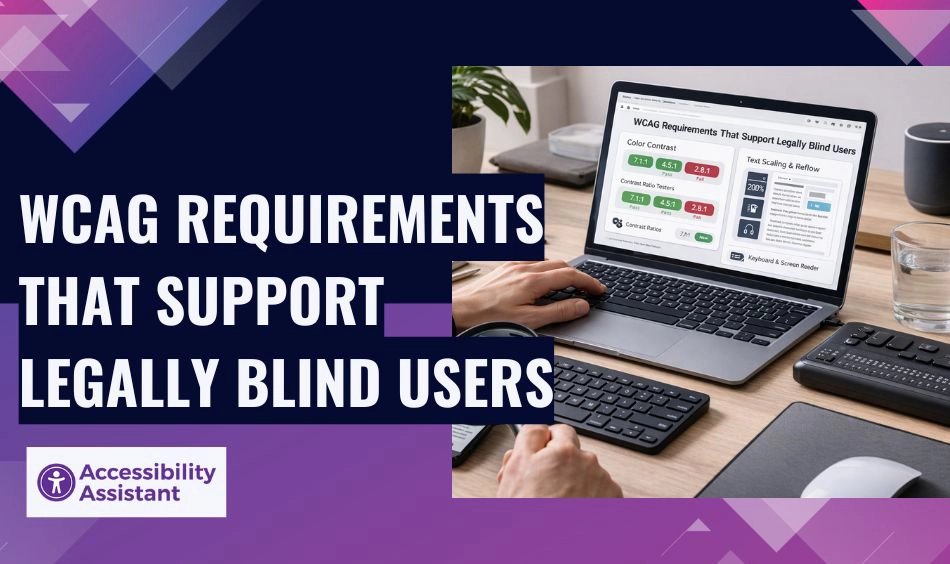
Web Content Accessibility Guidelines (WCAG) provide the technical foundation for addressing these challenges.
Colour Contrast and Text Visibility
WCAG defines minimum contrast ratios to ensure text and interface elements remain readable. High contrast is especially important for users with reduced contrast sensitivity, which is common in legal blindness.
Text Scaling and Reflow
Users must be able to zoom text up to 200% without content breaking or requiring horizontal scrolling. Flexible layouts and responsive design are essential.
Keyboard and Screen Reader Support
Legally blind users may rely on:
- Screen readers
- Keyboard navigation
- Screen magnifiers
Proper semantic HTML and logical structure allow assistive technologies to interpret content correctly.
Assistive Technologies Used by Legally Blind Users
Many legally blind individuals combine residual vision with assistive tools to access digital content.
Common tools include:
- Screen readers
- Screen magnification software
- High-contrast display modes
- Browser zoom features
- Operating system accessibility settings
Websites must support these tools natively rather than interfering with them.
Common Accessibility Barriers Affecting Legally Blind Users
Accessibility audits consistently identify patterns that disproportionately affect users with severe vision loss.
These include:
- Low-contrast buttons and links
- Placeholder-only form fields
- Missing or vague alt text
- Unlabeled icons
- Dynamic content that is not announced
- Inconsistent focus order
Addressing these barriers significantly improves accessibility outcomes.
Accessibility Improvements and Their Impact
The table below highlights how specific accessibility improvements help legally blind users and improve overall usability.
| Accessibility Improvement | Benefit for Legally Blind Users | Broader Impact |
| Strong colour contrast | Easier text recognition | Improved readability |
| Text resizing support | Flexible reading | Better mobile usability |
| Semantic headings | Faster navigation | Clear structure |
| Keyboard accessibility | Independent navigation | Inclusive interaction |
| Alt text for images | Context understanding | SEO and clarity |
| Focus indicators | Orientation on page | Reduced errors |
Why Legal Blindness Matters for Website Owners and Designers
Ignoring the needs of legally blind users creates usability and compliance risks.
From a business perspective:
- Accessibility complaints and lawsuits are increasing
- Poor accessibility leads to lost customers
- Inclusive design improves trust and reputation
- Accessibility supports better engagement and retention
Designing for legal blindness is not just about compliance; it is about creating digital products that work in real-world conditions.
How to Design Websites That Support Legally Blind Users
Accessibility should be integrated into both design and development workflows.
Design Best Practices
- Use accessible colour palettes
- Choose readable fonts and sizes
- Avoid relying on color alone for meaning
- Maintain clear spacing and layout
Development Best Practices
- Use semantic HTML elements
- Ensure keyboard operability
- Apply ARIA carefully and only when needed
- Test with assistive technologies
Testing Accessibility for Users With Legal Blindness
Testing is essential to ensure accessibility works in practice.
Effective testing includes:
- Automated accessibility scans
- Manual keyboard navigation
- Screen reader testing
- Contrast and zoom checks
- Testing after content updates
Accessibility should be reviewed continuously, not only during initial development.
Frequently Asked Questions About Legally Blind Prescriptions
1. Is minus 7 legally blind?
No, a −7.00 prescription by itself does not mean someone is legally blind. Legal blindness is determined by best-corrected visual acuity (with glasses or contacts), not prescription strength alone. Many people with a −7.00 prescription can still see better than 20/200 with correction and are not legally blind.
2. Is 5.50 eyesight legally blind?
A −5.50 or +5.50 prescription does not automatically qualify as legal blindness. Legal blindness depends on how well a person can see after correction. Some people with this prescription may function well with glasses, while others may have additional conditions that affect vision.
3. How bad is a 4.00 eye prescription?
A −4.00 or +4.00 prescription is considered moderate vision impairment, not legal blindness. Most people with this level of prescription can achieve functional vision with corrective lenses and do not meet the criteria for legal blindness.
4. Is a +6 prescription legally blind?
A +6.00 prescription alone does not define legal blindness. While it indicates significant farsightedness, legal blindness is based on visual acuity and visual field, not prescription numbers. Many people with +6.00 vision can still see adequately with correction.
5. Is +12 legally blind?
A +12.00 prescription is very strong and often associated with severe visual impairment. However, even at this level, a person is considered legally blind only if their best-corrected vision is 20/200 or worse, or iftheir visual field is severely restricted. Prescription strength alone is not enough to determine legal blindness.
6. Is minus 9 eyesight bad?
A −9.00 prescription indicates high myopia (severe nearsightedness) and can significantly affect daily vision without correction. While it increases the risk of eye complications, it does not automatically mean a person is legally blind if corrected vision remains above the legal threshold.
7. At what vision are you legally blind?
A person is considered legally blind when their best-corrected visual acuity is 20/200 or worse in their better eye, or when their visual field is limited to 20 degrees or less, even with glasses or contact lenses.
Conclusion
A legally blind prescription does not tell the full story of how someone sees or interacts with the digital world. Legal blindness is a functional vision limitation affecting millions of people and directly impacts digital accessibility.
Understanding legal blindness helps designers, developers, and organizations create more inclusive websites that support real users, not idealized assumptions. By focusing on contrast, structure, flexibility, and assistive technology support, digital products become more usable, resilient, and inclusive.
Accessibility designed for legally blind users benefits everyone. When digital experiences are built with real visual limitations in mind, they become clearer, more usable, and more human for all.