

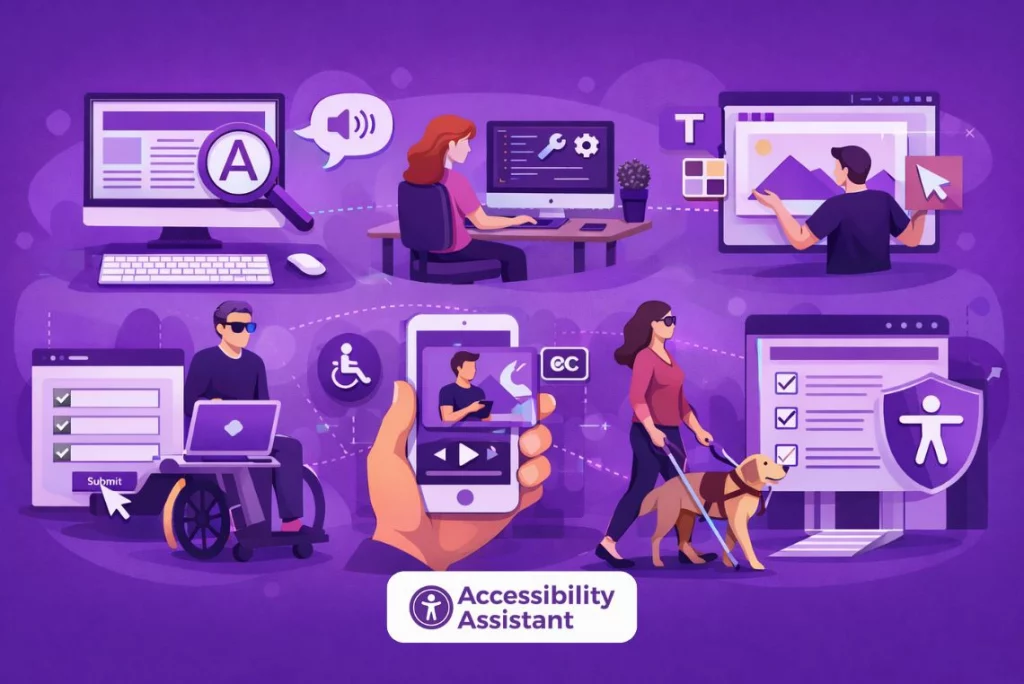
Making your website ADA compliant is no longer optional for businesses that serve the public online. Whether you run an e-commerce store, a SaaS platform, a professional services website, or a content-driven brand, accessibility plays a critical role in usability, compliance, and trust.
A website that is ADA compliant allows people with disabilities to read content, navigate pages, and complete actions without barriers. Beyond legal considerations, accessibility improves user experience, supports search visibility, and helps businesses serve a wider audience.
This guide explains how to make your website ADA compliant step by step, using practical actions aligned with WCAG standards. It is written for business owners, developers, designers, and marketing teams who want a clear, structured path toward accessibility.
What Does It Mean for a Website to Be ADA Compliant?
The Americans with Disabilities Act (ADA) is a civil rights law designed to ensure equal access for people with disabilities. While the ADA does not provide technical website rules, courts and accessibility professionals consistently rely on WCAG (Web Content Accessibility Guidelines) as the accepted standard for digital accessibility.
When a website is ADA compliant, it means users with disabilities can:
- Read the text and understand the content
- Navigate pages using keyboards or assistive devices
- Interact with forms, buttons, and menus
- Access multimedia content
- Use the site without unnecessary confusion or barriers
In practical terms, ADA compliance for websites is achieved by following WCAG requirements and maintaining accessibility over time.
Does Your Website Need to Be ADA Compliant?
Many organisations assume ADA compliance applies only to government or large corporations. In reality, ADA requirements extend to most businesses that offer goods or services to the public.
Your website likely needs to be ADA compliant if you operate:
- An e-commerce store
- A SaaS or subscription platform
- A healthcare, finance, or education website
- A professional services business
- A content or media platform
- A Shopify or CMS-based store open to customers
Courts increasingly treat websites as digital public spaces. Even small businesses and online-only brands have faced accessibility complaints due to common issues such as unreadable text, inaccessible forms, or keyboard navigation failures.
WCAG and ADA Compliance Explained
What Is WCAG?
WCAG is an international accessibility standard that defines how to make web content usable for people with disabilities. It is organised around four core principles:
- Perceivable
- Operable
- Understandable
- Robust
WCAG 2.2 is the most current version widely used in audits and compliance reviews.
How WCAG Supports ADA Website Compliance
Although the ADA itself does not list technical criteria, WCAG provides the measurable guidelines used to evaluate compliance. Most legal decisions, accessibility audits, and remediation plans reference WCAG Level AA as the target standard.
Following WCAG allows businesses to demonstrate good-faith effort toward ADA compliance.
Step-by-Step: How to Make Your Website ADA Compliant
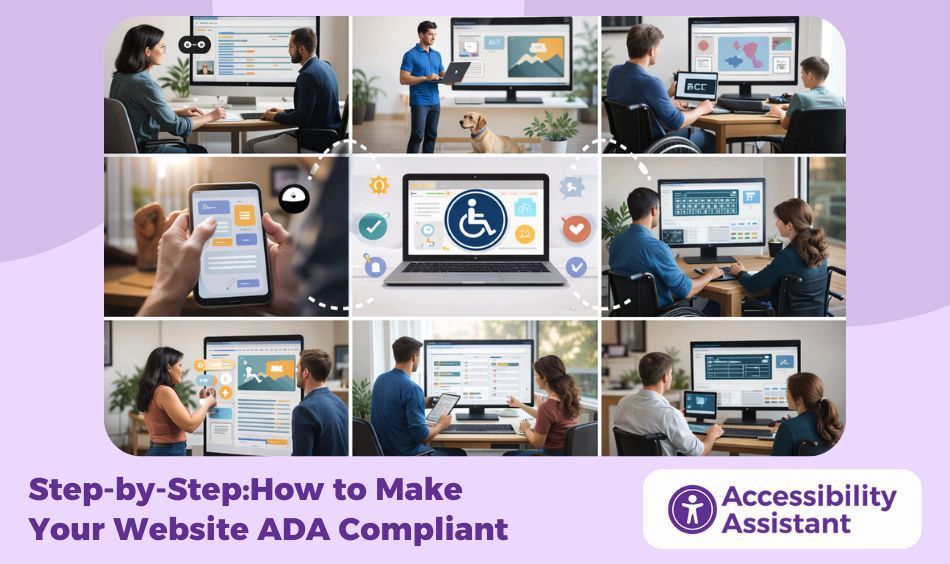
ADA compliance is not a single fix. It is a structured process that addresses design, content, code, and ongoing maintenance.
Step 1: Run a Website Accessibility Audit
The first step is understanding where accessibility issues exist. An accessibility audit evaluates your website against WCAG requirements.
An effective audit includes:
- Automated scans to detect common errors
- Manual testing for usability and structure
- Keyboard-only navigation checks
- Screen reader testing
- Mobile accessibility review
Audits often reveal issues that are not visually obvious, such as missing labels, incorrect reading order, or hidden navigation barriers.
Completing an accessibility audit is only the first step toward compliance. Once issues are identified, they must be fixed correctly to avoid repeat failures or new barriers. Our guide on how to fix issues found in an ADA compliance audit explains how to prioritise findings, apply WCAG-aligned fixes, and validate improvements effectively. This helps turn audit reports into real, lasting accessibility progress.
Step 2: Fix Text and Colour Contrast Issues
Low colour contrast is one of the most common accessibility failures. Text that blends into the background is difficult for users with low vision or colour blindness to read.
WCAG requires minimum contrast ratios:
- 4.5:1 for normal text
- 3:1 for large text
- 3:1 for interface elements such as buttons and icons
Improving contrast often involves adjusting brand colours slightly while preserving visual identity. This step alone can dramatically improve readability and usability.
Step 3: Make Navigation Keyboard Accessible
Many users rely entirely on keyboards to navigate websites. Every interactive element must be reachable and usable without a mouse.
Key requirements include:
- Logical tab order
- Visible focus indicators
- No keyboard traps
- Functional skip navigation links
- Accessible menus and dropdowns
Testing your website using only a keyboard is one of the fastest ways to identify major accessibility barriers.
Step 4: Improve Content Structure and Headings
Screen readers rely heavily on headings to understand page structure. Poor heading hierarchy creates confusion and makes navigation difficult.
Best practices include:
- Using one main heading per page
- Following a logical order (H2 under H1, H3 under H2)
- Avoiding headings for visual styling
- Using semantic HTML elements
Clear structure benefits both users and search engines.
Step 5: Add Meaningful Alt Text for Images
Alt text describes images for users who cannot see them. It should explain the image’s purpose, not just its appearance.
Guidelines include:
- Writing short, meaningful descriptions
- Avoiding keyword stuffing
- Marking decorative images as decorative
- Describing image buttons or icons clearly
Alt text improves accessibility and also supports image search visibility.
Step 6: Make Forms and Inputs Accessible
Forms are critical interaction points and frequent sources of ADA violations.
Accessible forms require:
- Explicit labels connected to inputs
- Clear instructions and hints
- Descriptive error messages
- Logical focus movement
- Accessible validation feedback
Improving form accessibility reduces user frustration and increases completion rates.
Step 7: Ensure Multimedia Accessibility
Videos and audio content must be accessible to users who cannot hear or see media elements.
Requirements include:
- Captions for all video content
- Transcripts for audio-only files
- Clear controls for play, pause, and volume
Multimedia accessibility supports compliance and improves content reach.
Step 8: Fix Dynamic and Interactive Components
Modern websites rely heavily on interactive elements such as:
- Modals
- Accordions
- Carousels
- Tabs
- Pop-ups
These components must:
- Work with keyboards
- Maintain focus correctly
- Announce changes to assistive technologies
- Use ARIA only when necessary
Poorly implemented interactivity is a major accessibility risk.
Step 9: Test Mobile and Touch Accessibility
Mobile accessibility is essential. WCAG 2.2 places increased emphasis on touch interactions.
Key areas include:
- Adequate touch target size
- Orientation support
- Zoom functionality
- Readable content on small screens
- Predictable navigation
Mobile accessibility benefits all users, not just those with disabilities.
Step 10: Document and Maintain Compliance
ADA compliance is ongoing. After fixes are complete, businesses should:
- Publish an accessibility statement
- Define internal accessibility processes
- Schedule regular audits
- Test new content before release
- Monitor third-party tools and updates
Maintenance prevents regressions and reduces legal risk.
ADA Compliance Improvements and Their Impact
The table below shows how common ADA compliance improvements support usability and business outcomes.
| ADA Improvement | Accessibility Benefit | Business Impact |
| Strong colour contrast | Easier reading | Higher engagement |
| Keyboard navigation | Inclusive access | Reduced abandonment |
| Clear headings | Better navigation | Improved SEO |
| Accessible forms | Fewer errors | Higher conversions |
| Alt text for images | Content clarity | Broader reach |
| Captions and transcripts | Inclusive media | Longer watch time |
ADA Compliant Website Examples: What Good Looks Like
ADA compliant website examples often share similar patterns:
- Clear, consistent navigation
- Readable text and strong contrast
- Accessible forms and checkout flows
- Keyboard-friendly interactions
- Logical structure across pages
Government websites, large e-commerce platforms, universities, and well-maintained SaaS tools often demonstrate these best practices consistently.
Shopify ADA Compliant Websites: What Store Owners Should Know
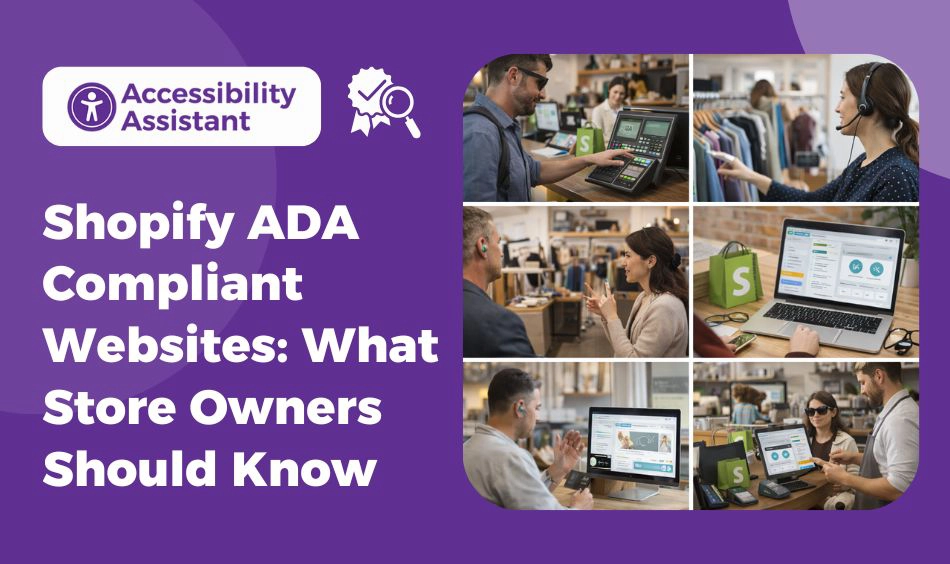
Shopify store owners face unique accessibility challenges due to themes and third-party apps.
Common issues include:
- Inaccessible themes
- App-generated content without labels
- Poor contrast on product pages
- Keyboard navigation gaps
To maintain a Shopify ADA compliant website:
- Choose accessibility-tested themes
- Review app accessibility regularly
- Test checkout flows
- Re-audit after theme or app updates
Accessibility should be part of ongoing store maintenance.
Common ADA Website Compliance Mistakes
Many websites fail ADA compliance due to avoidable mistakes:
- Relying only on automated tools
- Using overlays instead of real fixes
- Ignoring keyboard users
- Overusing ARIA attributes
- Skipping mobile testing
- Treating accessibility as a one-time task
Avoiding these mistakes reduces the risk of repeat audit failures.
How to Test and Monitor ADA Compliance Over Time
Long-term compliance requires:
- Automated monitoring
- Manual regression testing
- Assistive technology reviews
- Testing after design or content changes
- Documentation of fixes and updates
Continuous monitoring helps catch issues early.
Legal and Business Benefits of an ADA Compliant Website
Beyond compliance, accessibility delivers real business value:
- Reduced legal exposure
- Improved user trust
- Better engagement and conversions
- Stronger search performance
- Positive brand reputation
Accessible websites perform better for everyone.
Frequently Asked Questions About ADA Website Compliance
1. What makes a website ADA compliant?
A website is considered ADA compliant when it is accessible to people with disabilities and follows WCAG guidelines as the technical standard. This includes readable text with sufficient colour contrast, keyboard-accessible navigation, properly labelled forms, meaningful alt text for images, accessible multimedia, and compatibility with assistive technologies such as screen readers.
2. How can I tell if a website is ADA compliant?
You can determine if a website is ADA compliant by conducting an accessibility audit. This involves running automated accessibility scans, performing manual checks for keyboard navigation and content structure, testing with screen readers, and reviewing mobile accessibility. A professional audit provides the most reliable assessment.
3. Can a website be 100% ADA compliant?
In practice, achieving 100% ADA compliance at all times is difficult because websites constantly change. However, a website can meet WCAG standards at a high level and maintain strong ADA alignment through regular audits, prompt fixes, and continuous monitoring. ADA compliance is an ongoing process rather than a one-time state.
4. How do I get my website ADA compliant?
To make your website ADA compliant, start with an accessibility audit to identify issues. Fix high-impact problems such as low colour contrast, missing alt text, inaccessible forms, and keyboard navigation barriers. Follow WCAG guidelines, test changes with assistive technologies, and establish ongoing accessibility checks to maintain compliance.
5. Can I be sued if my website is not ADA compliant?
Yes, businesses can face legal action if their website is not accessible to users with disabilities. Many ADA-related lawsuits are based on common accessibility issues such as unreadable text, inaccessible forms, or broken keyboard navigation. Maintaining accessibility reduces legal risk and demonstrates good-faith compliance efforts.
Conclusion
Making your website ADA compliant is a structured, ongoing process that improves usability, accessibility, and trust. By following WCAG-aligned steps, auditing regularly, and maintaining accessibility over time, businesses can reduce risk while creating better digital experiences.
An ADA-compliant website is not just about avoiding lawsuits. It is about building a site that works for all users, supports growth, and remains resilient as standards evolve.
Accessibility done right benefits everyone.