

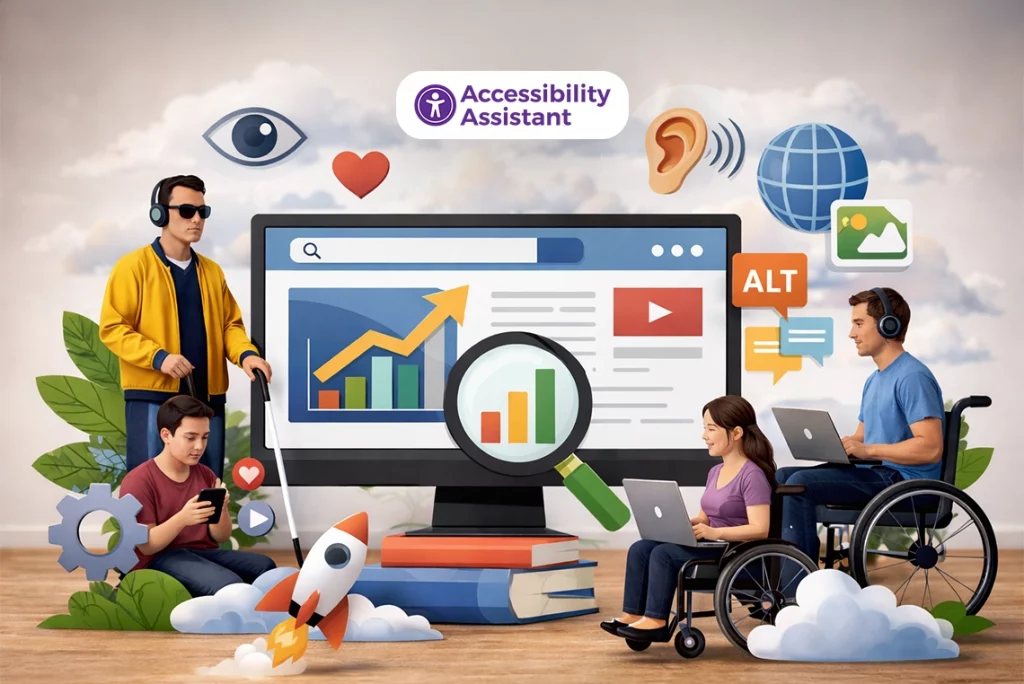
Web accessibility is often viewed only through the lens of compliance, but its impact extends far beyond meeting legal requirements. Accessible websites are easier to navigate, simpler to understand, and more efficient for search engines to interpret. Because of this, accessibility SEO plays a meaningful role in improving both user experience and search visibility.
Search engines and users are aligned in what they value most: clear content, logical structure, and predictable navigation. When a website follows accessibility best practices, it naturally meets many of the same criteria search engines use to evaluate quality, relevance, and usability. This overlap explains why accessibility SEO has become a growing focus for teams aiming to build sustainable, high-performing websites.
This guide explains how web accessibility improves SEO and user experience, how accessibility and UX work together, and which accessibility practices help support stronger search performance over time.
What Is Accessibility SEO?
Accessibility SEO refers to the overlap between accessibility practices and search optimization. It focuses on making websites usable for people with disabilities while also making content easier for search engines to crawl, interpret, and rank.
Accessible websites typically include:
- Clear content structure
- Logical headings and landmarks
- Descriptive links and buttons
- Text alternatives for images
- Predictable navigation patterns
These same elements help search engines understand what a page is about and how content is organized. In other words, accessibility and SEO often solve the same problems from different angles.
Accessibility SEO does not involve keyword tricks or shortcuts. It is about improving clarity, structure, and usability so both users and search engines can interact with content effectively.
How Search Engines Interpret Accessible Websites
Search engines rely on structured data, semantic markup, and predictable patterns to interpret web pages. They do not “see” a website visually. Instead, they analyze HTML, content hierarchy, and relationships between elements.
Accessible websites provide strong signals in areas such as:
- Heading order and document structure
- Clear navigation and internal links
- Descriptive text for non-text content
- Consistent interaction patterns
These signals help search engines understand the topic, importance, and context of content. When the structure is unclear or the elements are inaccessible, search engines may struggle to interpret the page correctly.
This is why accessibility improvements often lead to better indexing and more accurate rankings.
The Direct SEO Benefits of Web Accessibility
Web accessibility supports SEO in several measurable ways. While accessibility itself is not listed as a direct ranking factor, the outcomes it produces strongly influence search performance.
Improved Crawlability and Indexing
Semantic HTML elements such as headings, lists, landmarks, and buttons help search engines parse content correctly. When pages are built with an accessible structure, crawlers can identify:
- Main topics and subtopics
- Content sections and priorities
- Navigation paths and relationships
This improves how pages are indexed and reduces the risk of important content being misunderstood or ignored.
Better Content Context and Relevance
Accessible content uses headings and labels to describe meaning, not just visual appearance. This helps search engines understand context and relevance.
Examples include:
- Headings that describe the section topic
- Link text that explains the destination or action
- Form labels that clarify purpose
Clear context supports keyword relevance without forced optimization.
Lower Bounce Rates and Higher Engagement
Users are more likely to stay on a website when content is readable, navigation is predictable, and interactions work as expected. Accessibility improvements reduce frustration for all users, not only those with disabilities.
When users stay longer and interact more:
- Bounce rates decrease
- Session duration increases
- Engagement signals improve
These user behavior metrics indirectly support stronger SEO performance.
Mobile Usability and Core Experience
Accessibility and mobile usability overlap heavily. Touch targets, readable text, spacing, and focus visibility improve mobile interaction.
As mobile usage continues to grow, accessible design supports:
- Better mobile engagement
- Reduced errors
- Improved completion of tasks
Search engines value websites that perform well on mobile devices.
Accessibility SEO Impact Overview
The table below shows how common accessibility improvements support SEO and UX outcomes.
| Accessibility Improvement | UX Benefit | SEO Impact |
| Clear heading structure | Easier navigation | Better content understanding |
| Descriptive links | Predictable interaction | Stronger internal linking |
| Proper alt text | Content clarity | Improved image context |
| Keyboard accessibility | Broader usability | Lower bounce rates |
| Strong contrast | Better readability | Higher engagement |
| Accessible forms | Fewer errors | Improved conversions |
UX and Accessibility: Why They Work Together
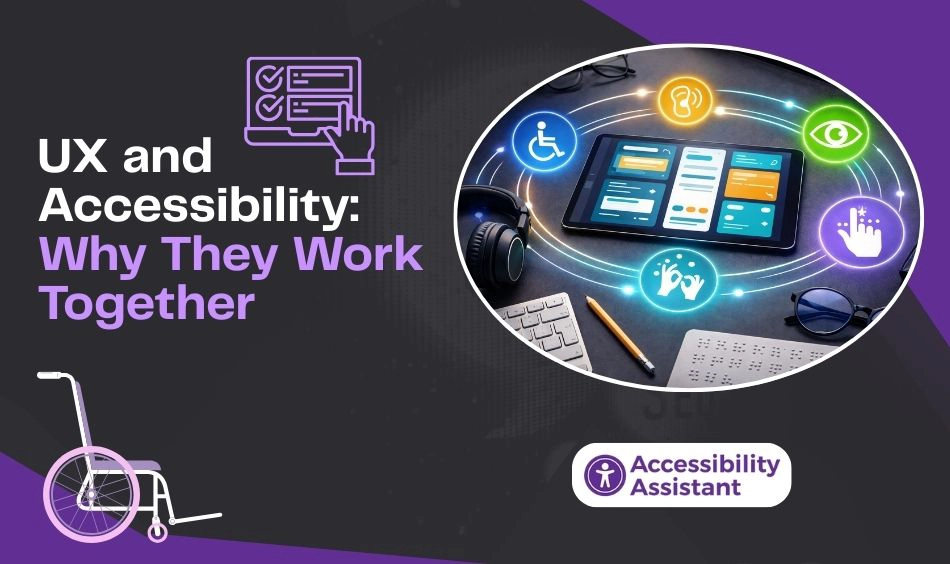
User experience and accessibility are closely connected. Accessibility focuses on removing barriers, while UX focuses on ease of use. When accessibility is built into UX decisions, the result is a more usable experience for everyone.
Accessibility as a UX Foundation
Accessible design ensures that users can:
- Understand content
- Navigate without confusion
- Complete actions without unnecessary obstacles
These outcomes are core UX goals.
Reducing Cognitive Load
Clear layouts, readable text, consistent navigation, and simple interactions reduce cognitive effort. This benefits users with cognitive limitations and also improves usability for general audiences.
Accessibility UX design emphasizes clarity over complexity.
Predictable Interaction Patterns
Accessible interfaces rely on predictable patterns. Buttons behave like buttons. Links behave like links. Focus order follows visual order.
Predictability reduces errors and increases user confidence.
Accessibility Signals That Influence SEO Indirectly
While accessibility is not a direct ranking signal, it strongly affects signals that search engines care about.
These include:
- Time on page
- Pages per session
- Conversion completion
- Mobile performance
- Reduced user frustration
Improving accessibility often improves these metrics without additional optimization work.
WCAG Practices That Support SEO Performance
Many WCAG guidelines align naturally with SEO best practices.
Headings and Content Hierarchy
- Use one main heading per page
- Follow a logical heading order
- Use headings to describe content, not for styling
This improves readability for users and structure for search engines.
Alt Text for Images
- Describe the purpose of images
- Avoid keyword stuffing
- Mark decorative images properly
Alt text improves accessibility and provides context for image search and content relevance.
Descriptive Links
- Avoid vague phrases like “click here.”
- Use meaningful link text
Descriptive links improve navigation, usability, and internal linking signals.
Accessible Forms and Error Messages
- Clear labels
- Helpful instructions
- Descriptive error feedback
These practices improve conversions and user satisfaction.
Common Accessibility Issues That Hurt SEO
Certain accessibility problems also harm SEO performance.
Missing or Misused Headings
Poor structure makes content harder to interpret and navigate.
Low Contrast Text
Unreadable text increases bounce rates and reduces engagement.
Links Without Context
Search engines and users cannot understand the destination or purpose.
Images Without Text Alternatives
Content meaning may be lost for both users and crawlers.
Script-Heavy Interfaces
Complex interactions can block access and interfere with indexing.
Accessibility UX Design vs Traditional UX Design
Traditional UX design often focuses on visual appeal and conversion goals. Accessibility UX design considers a wider range of user needs, including assistive technology use, keyboard navigation, and alternative interaction methods.
Accessibility UX design prioritizes:
- Function before decoration
- Clarity over novelty
- Consistency over visual trends
These priorities lead to more stable and usable interfaces.
Does Accessibility Directly Affect Google Rankings?
Search engines do not explicitly rank websites based solely on accessibility compliance. However, accessibility affects many signals that search engines measure.
Accessible websites tend to:
- Load content more clearly
- Reduce user frustration
- Improve engagement metrics
- Perform better on mobile devices
These outcomes support stronger search visibility over time.
How to Improve Accessibility SEO on Your Website
Improving accessibility SEO does not require a full redesign. Small, consistent changes can deliver strong results.
Start with Structure
- Use semantic HTML
- Fix heading order
- Define page landmarks
Improve Text and Visual Accessibility
- Adjust contrast
- Use readable fonts
- Avoid overly dense layouts
Fix Navigation and Interaction
- Support keyboard navigation
- Add visible focus indicators
- Ensure interactive elements behave predictably
Test Accessibility Regularly
- Combine automated scans with manual checks
- Test after content updates
- Include an assistive technology review
Improving accessibility starts with knowing where problems exist. If you’re unsure how your site performs today, our guide on how to check your website for accessibility issues walks through practical testing methods, including automated scans, keyboard checks, and screen reader reviews. Identifying these gaps early makes it easier to improve usability, accessibility, SEO, and overall site quality.
Measuring the Impact of Accessibility on SEO and UX
To evaluate progress, track:
- Engagement metrics
- Conversion paths
- Accessibility audit results
- User feedback
- Mobile performance
Accessibility improvements often show results gradually, but benefits compound over time.
Accessibility, SEO, and Future-Ready Websites
As digital experiences evolve, accessibility expectations continue to grow. Search engines increasingly prioritize usability, clarity, and consistency. Accessibility supports all three.
Websites that invest in accessibility are better prepared for:
- Changing user needs
- New devices and interaction models
- Evolving search algorithms
- Long-term growth
Accessibility is not a short-term tactic. It is a sustainable approach to building better websites.
Frequently Asked Questions About Accessibility SEO
1. What is accessibility SEO?
Accessibility SEO refers to the practice of improving website accessibility in ways that also support search engine optimization. It focuses on clear structure, readable content, descriptive links, and usable navigation so both users and search engines can easily understand and interact with a website.
2. What is the 80/20 rule for SEO?
The 80/20 rule for SEO suggests that a small set of actions often delivers most of the results. In practice, this means focusing on high-impact improvements such as clear content structure, page usability, internal linking, and accessibility fixes, which can drive significant gains in visibility and engagement.
3. What are the 4 types of accessibility?
The four main types of accessibility are:
- Visual accessibility for users with low vision or blindness
- Auditory accessibility for users with hearing impairments
- Motor accessibility for users who rely on keyboards or assistive devices
- Cognitive accessibility for users with learning or attention-related challenges
Web accessibility aims to support all four types.
4. Does accessibility affect SEO ranking?
Accessibility is not a direct ranking factor, but it strongly influences SEO performance. Accessible websites tend to have better structure, lower bounce rates, improved engagement, and stronger mobile usability, all of which support better search visibility over time.
5. What are the 3 C’s of SEO?
The 3 C’s of SEO commonly refer to:
- Content – clear, useful, and relevant information
- Context – proper structure, headings, and internal links
- Credibility – trust signals such as usability, accessibility, and consistency
Accessibility supports all three by improving clarity and usability.
6. What are the 5 A’s of accessibility?
The 5 A’s of accessibility generally include:
- Available – content can be accessed by all users
- Adaptable – works across devices and assistive technologies
- Accessible – meets accessibility guidelines
- Assistive-compatible – supports screen readers and input tools
- Approachable – easy to understand and navigate
These principles help guide inclusive digital experiences.
7. Does digital accessibility improve SEO?
Yes, digital accessibility improves SEO by making content easier to read, navigate, and understand. Accessible websites support stronger engagement, better mobile performance, and clearer content structure, all of which align with how search engines evaluate quality.
Conclusion
Web accessibility improves SEO and user experience by focusing on clarity, structure, and usability. Accessible websites are easier to navigate, easier to understand, and easier for search engines to interpret.
By aligning accessibility, UX, and SEO practices, teams can build websites that serve a wider audience while supporting long-term search visibility. Accessibility is not just about compliance. It is about creating digital experiences that work for everyone.
When accessibility becomes part of how websites are designed, written, and maintained, both users and search engines benefit naturally.